Export ChatGPT Chats to PDF
Save your ChatGPT conversations as beautifully formatted PDF documents — with code blocks, math formulas, charts, and tables perfectly preserved. One click, no account required.
Why Export ChatGPT to PDF?
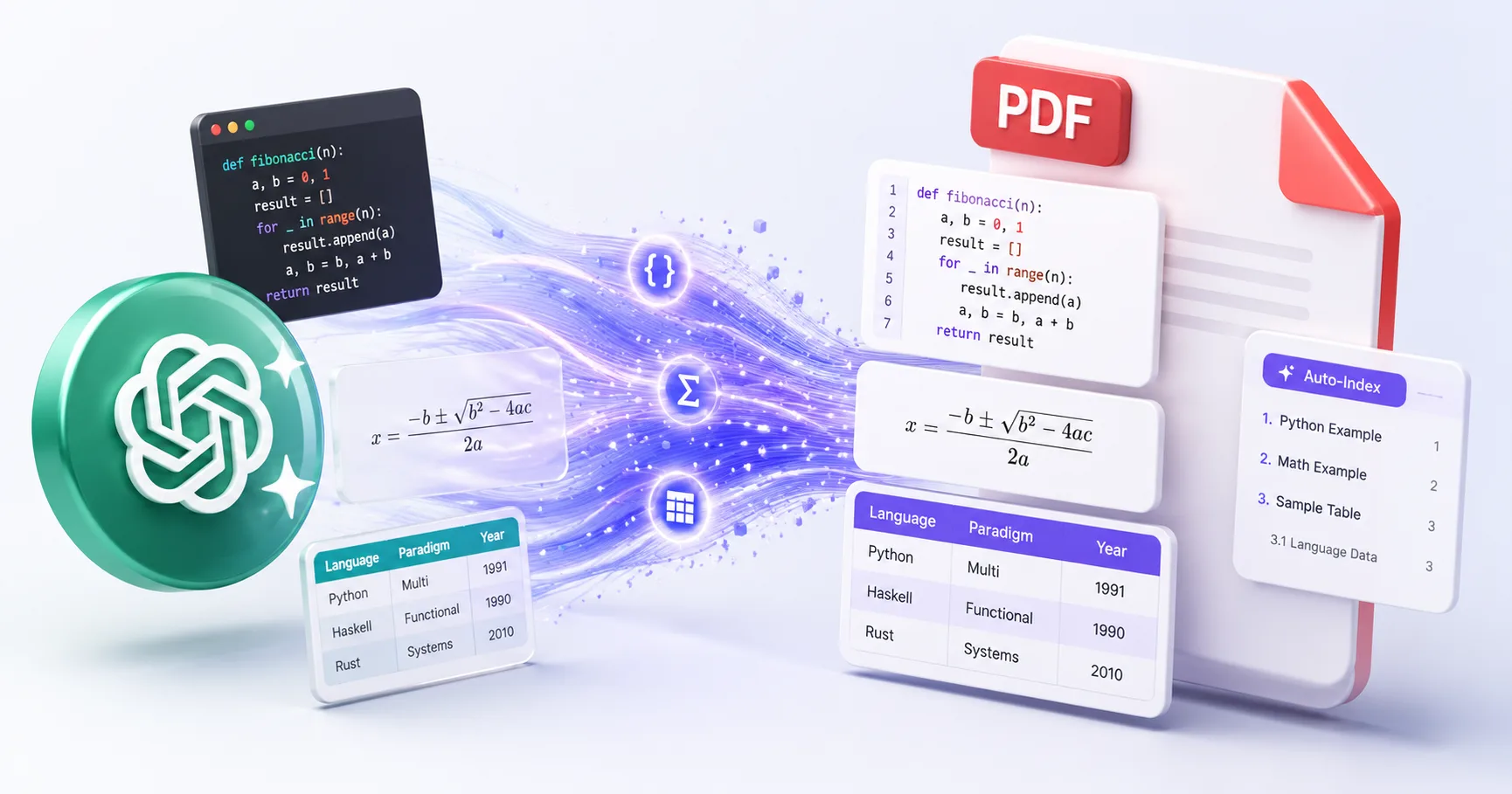
ChatGPT conversations disappear when you refresh the page. Screenshots lose formatting. Copy-paste is manual and error-prone. Exporting to PDF preserves every element exactly as it appears — code, math, images, and all.
Preserve Code Highlighting
Syntax-highlighted code blocks render perfectly in PDF — Python, JavaScript, SQL, and 50+ languages supported.
Keep LaTeX Math Formulas
Mathematical equations, matrices, and scientific notation are rendered with pixel-perfect fidelity.
Export Tables & Charts
Data tables, Charts.js visualizations, and structured data maintain their layout in the exported PDF.
Auto-Generated Index
Long conversations get an automatic table of contents — jump to any section instantly.
Dark Mode Support
Export matches your ChatGPT theme — dark mode chats produce dark-themed PDFs.
Private & Secure
PDF rendering happens on our secure server. Content is deleted immediately after generation. We never store your conversations.
How to Export ChatGPT to PDF
Install XWX AI Chat Exporter
Add the free Chrome extension from the Chrome Web Store. It works instantly — no signup, no configuration.
Open Your ChatGPT Conversation
Navigate to chatgpt.com and open the conversation you want to export. The extension auto-detects the platform.
Click the Export Button
Click the floating button in the bottom-right corner. Select PDF format. Your file downloads automatically.
Select Specific Messages (Optional)
Use Smart Selection to pick only the messages you need. Click any message to select it, then export just those.
Who Exports ChatGPT to PDF?
Students & Researchers
Save AI-generated explanations, study notes, and research insights as printable PDFs for offline review and citation.
Developers
Archive coding conversations with full syntax highlighting. Perfect for documentation, team wikis, and knowledge sharing.
Consultants & Professionals
Export AI-assisted analysis, reports, and recommendations as client-ready PDF documents.
Content Creators
Turn ChatGPT brainstorming sessions into formatted drafts ready for editing and publishing.
Educators
Save AI-generated lesson plans, quiz questions, and educational content as shareable PDF handouts.
What Makes XWX Different?
Works on 13 AI Platforms
Not just ChatGPT — Claude, Gemini, Perplexity, DeepSeek, and 9 more. One extension for all your AI chats.
Auto Table of Contents
Long PDFs get a clickable index automatically. Navigate 100+ message conversations with ease.
Smart Metadata Export
Exported files include title, date, platform, model info, and message count — fully self-documenting.
FAQ
How do I save a ChatGPT conversation as PDF?+
Install XWX AI Chat Exporter (free Chrome extension), open your ChatGPT conversation, click the floating export button, and select PDF. The file downloads automatically with perfect formatting.
Can I export ChatGPT with code blocks and math formulas?+
Yes. XWX preserves syntax-highlighted code blocks, LaTeX math formulas, tables, and charts exactly as they appear in the ChatGPT interface. No formatting is lost.
Is it free to export ChatGPT to PDF?+
Yes. XWX includes a free daily quota for PDF exports. Markdown, TXT, JSON, and clipboard exports are completely free with no limits. Upgrade to Pro for unlimited PDF exports and watermark removal.
Can I export only specific messages instead of the full chat?+
Yes. Use Smart Selection mode to click and pick specific messages before exporting. A synced sidebar panel lets you review your selections. Export only what matters.
Does it work with ChatGPT Plus and Team plans?+
Yes. XWX works with all ChatGPT plans — Free, Plus, Team, and Enterprise. It also exports ChatGPT Projects and shared conversations.
Is my ChatGPT data safe?+
Absolutely. For PDF exports, content is sent to our secure server for rendering and deleted immediately after generation. We never store, log, or share your conversations. Non-PDF exports run entirely in your browser.
Related Features
Watch a quick demo
Watch the demo videoExport Gemini Conversations to PDF
Learn More →Download Claude Chats as PDF
Learn More →Sync AI Chats to Notion
Learn More →Export AI Chats to Obsidian
Learn More →Export AI Chats to Word
Learn More →AI-Generated Tags & Summaries for AI Chats
Learn More →Smart Message Selection with Synced Sidebar
Learn More →Automatic AI Chat Backup
Learn More →Ready to Export Your AI Chats?
Free Chrome extension. No account required. Works on 13 AI platforms.