AI-Generated Tags & Summaries for AI Chats
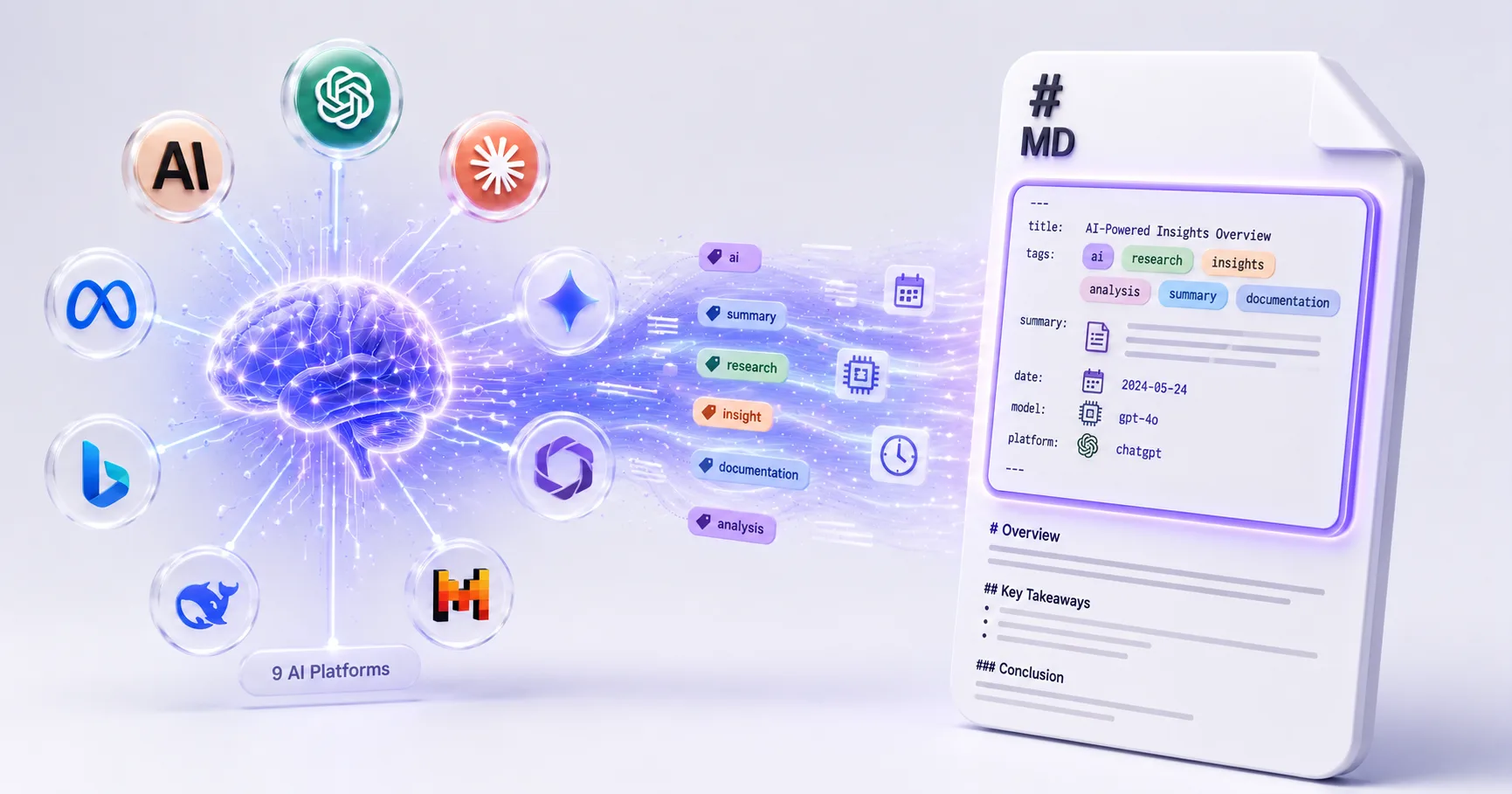
Turn your AI conversations into searchable, queryable knowledge assets. Auto-generate YAML frontmatter with topic tags, concise summaries, and structured metadata — powered by 9 AI providers.
Why AI Tags & Summaries Matter
Exporting an AI conversation is only half the battle. Without tags, summaries, and metadata, your exports become unfindable text dumps in a folder of hundreds. AI-generated metadata transforms each export into a self-documenting knowledge asset — instantly searchable, filterable, and linkable.
Auto-Generated Topic Tags
AI analyzes each conversation and generates relevant topic tags. No more spending 10+ minutes manually tagging after every export.
AI Summaries
2-3 sentence summaries let you scan hundreds of exports instantly. Know what each conversation contains without opening it.
YAML Frontmatter
Structured metadata — title, date, platform, model, timestamps, message count, word count, source URL — compatible with Obsidian Dataview and Notion databases.
9 AI Providers
Connect OpenRouter, OpenAI, Gemini, Qwen, KIMI, and 4 more. Use your own API key — 100% optional and user-controlled.
Dataview Queries
Query your AI conversation library by platform, date, topic, or model. Example: 'Show me all Claude conversations about Python from last month.'
Privacy-First
AI processing uses your own API key. We never see or store your conversations. Processing is 100% optional.
How to Enable AI Tags & Summaries
Install XWX AI Chat Exporter
Add the free Chrome extension. AI metadata features work with any supported AI platform.
Configure Your AI Provider
Open XWX Settings → AI Metadata. Connect your preferred provider (OpenRouter, OpenAI, Gemini, etc.) with your API key.
Toggle Metadata Fields
Choose which fields to include — tags, summary, platform, model, timestamps, message count, word count, source URL.
Export & Discover
Export any conversation. The .md file includes full YAML frontmatter with AI-generated tags and summary. Drop it into Obsidian or Notion.
Who Uses AI Tags & Summaries?
PKM Practitioners
Build a 'second brain' where every AI conversation is auto-categorized, summarized, and instantly retrievable via Dataview queries.
Researchers
Archive AI research with full traceability. Query by topic, model, or date range. Every export includes source URL for citation.
Content Creators
Organize hundreds of AI brainstorming sessions with auto-tags. Find relevant conversations months later using AI summaries.
Developers
Tag coding conversations by language, framework, and problem type. Build a searchable code knowledge base from AI pair programming.
Consultants
Auto-categorize client project conversations. Query by client, topic, or date for quick reference during engagements.
Students
Auto-tag study sessions by subject. Use AI summaries to review key concepts from each tutoring conversation before exams.
What Makes XWX Different?
9 AI Providers
The only exporter that supports multiple AI providers for metadata generation — OpenRouter, OpenAI, Gemini, Qwen, KIMI, and more.
Full PKM Integration
YAML frontmatter is compatible with Obsidian Dataview, Notion databases, Logseq, and any tool that supports standard Markdown metadata.
Your Key, Your Data
AI processing runs with your own API key. We never see your conversations. The feature is 100% optional — export works perfectly without it.
FAQ
What AI providers are supported for tag generation?+
XWX supports 9 AI providers: OpenRouter, OpenAI, Gemini, Qwen, KIMI, and more. You connect your own API key — we never handle your credentials or data.
How does auto-tagging work?+
When you export a conversation, the AI provider you configured analyzes the full conversation content and generates 3-8 relevant topic tags. For example, a Python debugging conversation might get tags: python, debugging, error-handling, best-practices.
What is YAML frontmatter?+
YAML frontmatter is structured metadata at the top of a Markdown file, enclosed in --- delimiters. It includes fields like title, date, tags, summary, platform, model, and source URL. PKM tools like Obsidian use this to index and query your notes.
Can I use AI tags without the AI feature?+
Yes. All metadata features are optional. You can export with just basic metadata (title, date, platform) or enable AI tags and summaries. The core export works perfectly without any AI configuration.
Is it compatible with Obsidian Dataview?+
Yes. The YAML frontmatter uses standard fields that Dataview queries natively. Example query: `TABLE summary, tags FROM "AI Chats" WHERE platform = "ChatGPT" AND date >= date(2026-01-01)`.
Does AI processing cost money?+
AI tag generation uses your own API key with your chosen provider. Cost depends on the provider — OpenRouter offers free tier models, while OpenAI/Gemini charge per-token. A typical conversation costs fractions of a cent.
Is my conversation data private?+
Yes. When AI tag generation is enabled, the conversation text is sent directly to your chosen AI provider using your API key. XWX never sees, stores, or logs your conversation content.
Related Features
Watch a quick demo
Watch the demo videoExport ChatGPT Chats to PDF
Learn More →Export Gemini Conversations to PDF
Learn More →Download Claude Chats as PDF
Learn More →Sync AI Chats to Notion
Learn More →Export AI Chats to Obsidian
Learn More →Export AI Chats to Word
Learn More →Smart Message Selection with Synced Sidebar
Learn More →Automatic AI Chat Backup
Learn More →Ready to Export Your AI Chats?
Free Chrome extension. No account required. Works on 13 AI platforms.