How to Export a Deep Research Report to PDF or Word
A Deep Research report is the most valuable artifact an AI chat can produce: the agent reads dozens of sources, reasons through them for several minutes, and returns a structured, cited report. And then it lives as a long, scroll-heavy conversation page that is awkward to share and painful to print. Screenshots chop it into tiles; copy-paste strips the citations and the structure. This guide shows how to export a ChatGPT or Gemini Deep Research report as a clean PDF or Word document — with the research steps, the report body, and the citations intact.
Why Deep Research reports break normal export methods
Deep Research output is not a regular chat message. Both OpenAI and Google render it as a special widget inside the conversation:
- The report body loads progressively while the agent works, inside its own scrollable container
- The research steps (“Browsing 14 sources…”) live in a collapsible timeline above the report
- Citations are inline reference markers linked to a source list the widget manages separately
Browser print captures whatever happens to be expanded at print time — usually a clipped region with none of the source list. Copy-paste grabs visible text only: citation markers become dead brackets, tables collapse, and the research steps disappear entirely.
What a proper export should preserve
Before choosing a method, here is the checklist that separates a usable research document from a paraphrase:
- The report body — headings, paragraphs, tables, and lists in reading order
- Inline citation markers that still map to numbered sources
- The source list — titles and URLs, so a reader can verify claims
- The research timeline — the steps the agent took, which matter for methodology notes
- Tables and code blocks with formatting intact
Anything less and you have lost the evidence chain that made the report worth generating in the first place.
Exporting a ChatGPT Deep Research report
Step 1 — Install the extension. Add the free XWX Exporter extension from the Chrome Web Store.
Step 2 — Open the finished report. Navigate to the conversation containing the completed Deep Research report and let it finish loading fully.
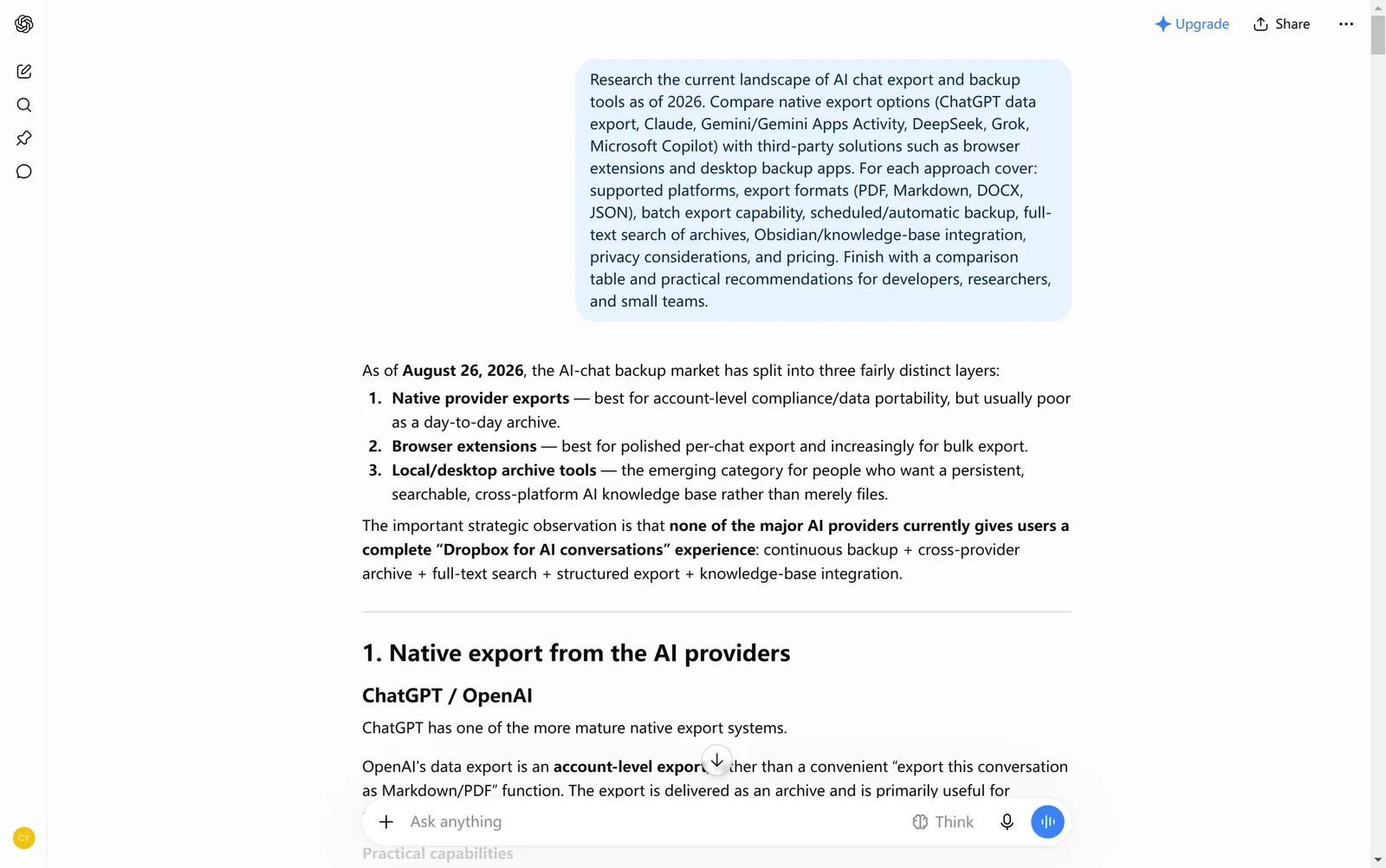
Step 3 — Click the floating button and choose a format
Click the floating XWX button at the bottom-right of the page and pick PDF (best for sharing and archiving) or Word (.docx) (best when you need to edit and comment). The exporter reads the Deep Research widget directly rather than scraping the visible page, so the report title, the step-by-step research timeline, the full report body, and the citation list are rebuilt as document structure — not flattened text.
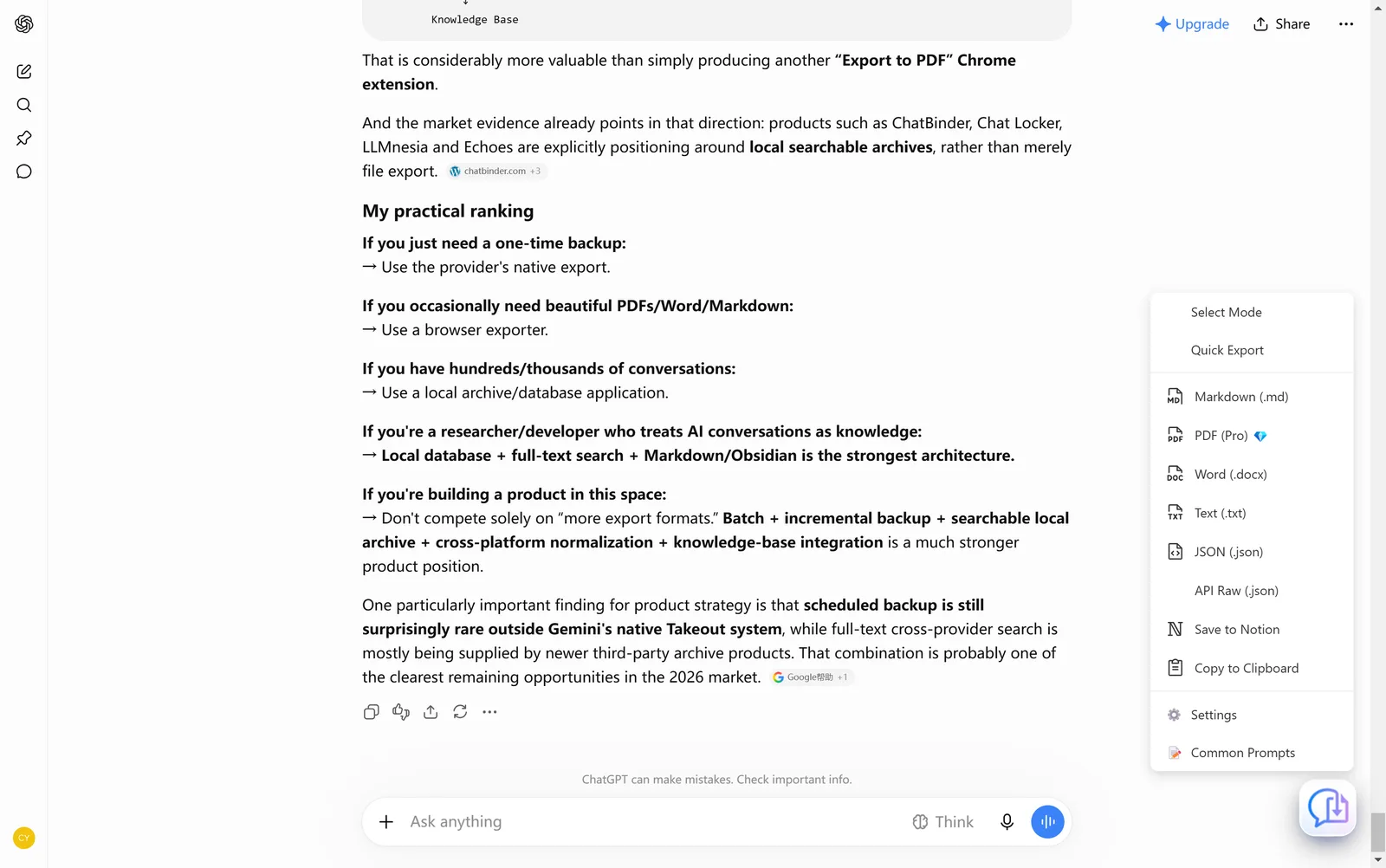
Exporting a Gemini Deep Research report
Gemini’s version of Deep Research weaves its reasoning process and inline sources through the answer. The same workflow applies: open the finished conversation, click the floating button, and export. The Gemini exporter preserves the thought process with its inline source references alongside the final report — genuinely useful when you need to show how a conclusion was reached, not just the conclusion.
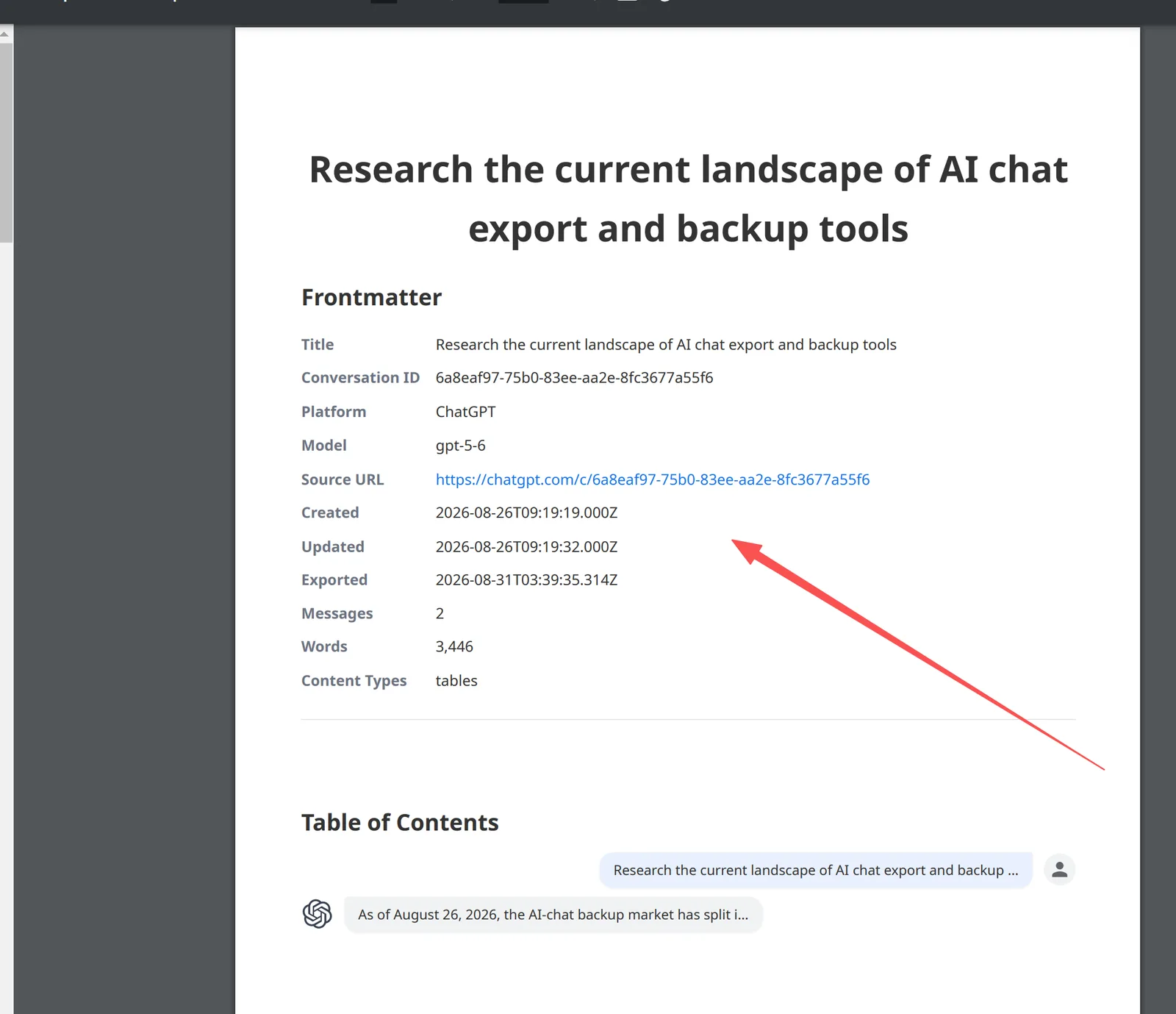
Verify before you file it away
Open the exported file and check four things:
- [ ] Report headings render as real heading styles (the navigation pane in Word shows the outline)
- [ ] Citation markers map to a numbered source list with URLs
- [ ] Tables survived as tables, not comma soup
- [ ] The research steps appear before the report body
Thirty seconds here saves an afternoon of reconstructing sources from browser history later.
Frequently Asked Questions
Does exporting a Deep Research report cost anything?+
Markdown, TXT, JSON, and clipboard exports are free with no limits. PDF and Word exports include a free daily quota; Pro removes the limits.
Do the citations stay clickable?+
In PDF and Word exports the citation markers stay paired with the source list, which includes titles and URLs. In Markdown the references survive as a structured list.
Can I export a report while it is still running?+
Wait until the agent has finished. A report mid-generation is incomplete on the page, so the export would capture partial steps and an unfinished body. Refresh once it completes, then export.
What about Gemini Deep Research?+
Supported. The Gemini exporter preserves the thought process with inline sources alongside the final report, in the same PDF, Word and Markdown formats.
Export Your AI Chats
Free Chrome extension. No account required. Works on 13 AI platforms.